
Motorola G04/G04S Dead Boot Repair Using PAC File & Fastboot File (Included IMEI Repair Tool)
If your Motorola Shows Only SPD Port (DEAD) :
1. Flash PAC Firmware from AMT , Cheetah or other tool
2. Now Your Device will be Hang on Logo after Flash completes
3. Now download Fastboot Firmware and Flash Device on Fastboot Mode using flash.all
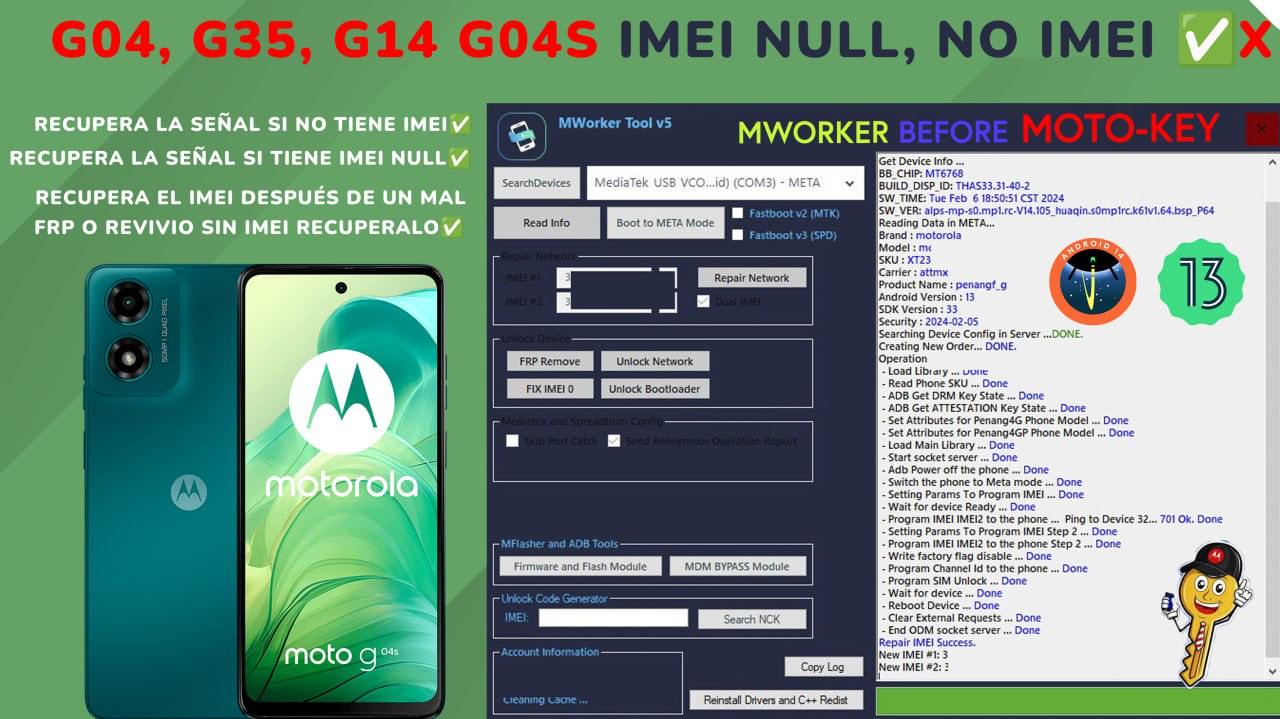
4. IMPORTANT: This process will make your DEVICE IMEI NULL.
5. There are some PAID tool which required credit to fix IMEI. Watch Full Video to check about IMEI Repair Tool. Or you can USE Pandora Box for IMEI Repair.
Video Guide :
Download Firmwares :
- Pac Files & Fastboot File by needrom (create account and download for free) : https://www.needrom.com/category/motorola/serial-g-motorola/g04/
Choose correct firmware which you need. i.e (XT2421-1 , XT2421-2, XT2421-3………XT2421-15) Etc
- Moto G04 XT2421_Dead_Boot_Repair_Full_PAC_File_LLD35185_ULA34.89-179_0116_SIGNED_March_2025
- Motorola_G04S_XT2421_(lion)Dead_Boot_Repair_PAC_File(SHIPPING_LLD35185_ULA34.89-179_0116_SIGNED)11_Feb_2025
- MOTO_G04_XT2421-3_Dead_Boot_Reapir_PAC_File_LLD35185_ULAS34.89-164-2-2_1112_SIGNED_DECEMBER
- Download Mworker (moto key tool) for IMEI Repair (Paid tool)
- Download Pandora Box for IMEI Repair (Paid Box Tools)

